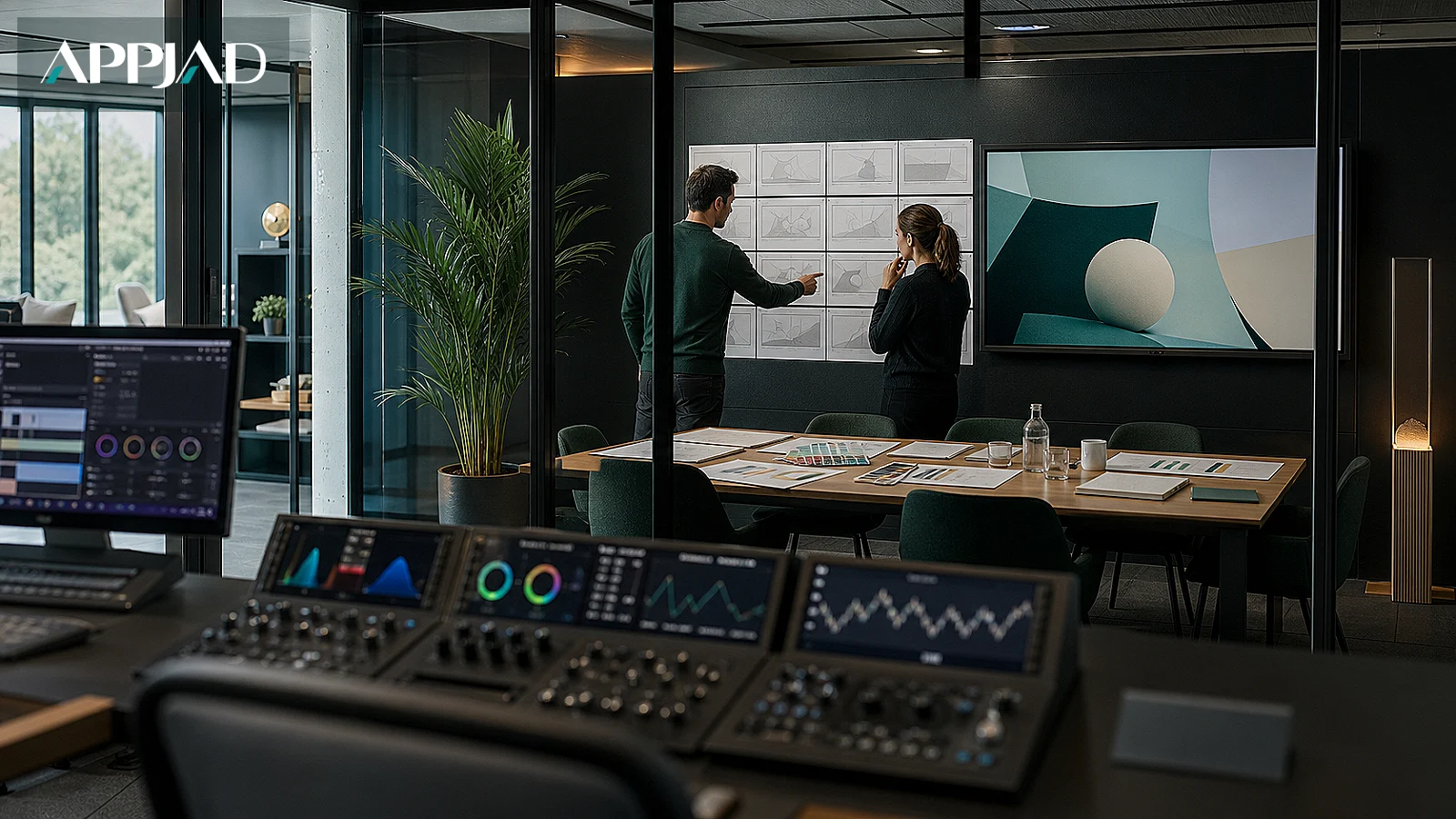
Motion graphics earn their place in business marketing when they explain something a still image cannot: how a service works, what happens after a customer calls, or why one offer differs from another. This walkthrough sets out the order of work that keeps a motion graphics project useful, from the first business question to the moment your sales team uses the file. Appjad (أبجد) builds these assets as part of brand and video work, and the steps below reflect how that work is scoped and reviewed.
Key takeaways
- Start from one business question the video must answer, not from a style you like.
- Write the script before any design; motion graphics fail on unclear sentences, not weak animation.
- Storyboard every scene and approve it in writing before animation begins.
- Measure whether the asset changed a decision, then decide what to keep or rebuild.
Step 1: Name the decision the video must support
Before anyone opens an animation tool, write one sentence describing what a viewer should do differently after watching. Examples: request a quote, choose the annual plan, or understand that delivery takes three days. That sentence becomes the test for every later choice.
Then name the audience and where they will see it. A 20-second clip on a social feed and a 90-second explainer on a product page do different jobs. The first interrupts; the second answers questions from someone already interested. Owners who skip this step often receive a polished video that fits nowhere.
Write the answer down and share it with whoever will approve the work. At Appjad, this short diagnostic is the first deliverable in a video project, because it prevents expensive rework later.
Step 2: Write the script as spoken sentences
Motion graphics are usually narrated or read as on-screen text, so the script must sound natural when spoken aloud. Write short sentences, one idea each. Read them to a colleague who does not know the offer and note where they ask a question; that is where the script is unclear.
Structure the script in three parts:
- The problem in the customer's words.
- How your service resolves it, in sequence.
- The single next action you want.
Keep the language specific. "We answer within one working day" is usable; "world-class service" is not. If a sentence cannot be shown visually, rewrite it until it can. This discipline is the same one behind a clear video production brief, and it saves time in every later stage.
Step 3: Storyboard scene by scene and approve it in writing
A storyboard is a numbered list of scenes, each with a sketch, the on-screen text, the narration line and the duration. It is the cheapest place to change your mind. Review it against three checks:
- Does each scene carry one idea only?
- Can a viewer follow the sequence with the sound off?
- Does the final scene state the next action plainly?
Approve the storyboard in writing before animation starts. Verbal approval across a meeting table is where most disputes begin, because memory differs. A written storyboard also gives your team something to test with real customers before the budget is spent on motion.
The storyboard is the contract for the video: if a scene is not on it, it does not belong in the final cut.
Step 4: Design motion that carries meaning
Animation should show relationships: a form moving from customer to team, a timeline compressing, a step being removed. Decorative movement that does not explain anything adds cost and distracts. Ask of every animated element: what does this teach the viewer?
Keep the visual language consistent with your identity. Colours, type and logo placement should match the rest of your material, which is why motion work sits naturally beside identity and graphic design. If your brand rules are thin, fix them first; animation magnifies inconsistency because it repeats the same frame hundreds of times.
Build the piece in versions from the start: a full version, a short cut for social, and a silent version with captions. Owners who plan these three outputs in the brief avoid paying twice for the same footage.
Step 5: Review with real viewers, not opinions
Show a rough cut to five people who resemble your customers. Ask what they understood, not whether they liked it. If they cannot repeat the offer back, the script or sequence needs work, not the colours.
Check the practical details before release: captions are accurate, the logo appears where your guidelines say, the file plays on a phone, and the call to action matches the page it links to. A video that sends viewers to a page that does not deliver the promised next step wastes the production budget.
Record the feedback and the changes made. This record becomes the brief for the next video and shortens each project after it.
Step 6: Put the asset to work and measure what it changes
A finished video is inventory, not a result. Give it a job: a page section, a sales follow-up message, a booth loop, a training module. Tell the sales team when to send it and what to say alongside it.
Then measure the decision it was built to support. Compare the page it sits on before and after, count how often sales sends it, and ask buyers in follow-up calls whether they watched it. These signals are more useful than view counts, which rise and fall for reasons unrelated to your offer.
Review after one quarter. Keep what moved a decision, rebuild what did not, and retire assets that no longer match the offer. This routine is how a video library stays current instead of ageing quietly on a drive.
Frequently asked questions
How long should a business motion graphics video be?
As long as the job requires and no longer. A social clip usually needs 15 to 30 seconds to earn attention, while an explainer on a product page can run 60 to 90 seconds because the viewer is already interested. Decide by where it will be watched, not by a fixed rule.
Can we reuse one video across channels?
Yes, if you plan the versions in the brief. Ask for a full cut, a short cut and a captioned silent version at the start, and confirm the aspect ratios each channel needs. Re-cutting later costs more than planning once.
Do we need a script if the video has no narration?
Yes. On-screen text is still a script, and it must read clearly in sequence. Write it as sentences, check that each scene carries one idea, and test it with someone unfamiliar with the offer before animation begins.
Next step: brief one video around one decision
Choose a single question your customers ask repeatedly, and build the next motion graphics piece to answer it. Write the decision sentence, the script and the storyboard, then review them before any animation starts. If you want that process run with a written scope and reviewed stages, Appjad's video and motion graphics team can take it from brief to measured result, and the related guide on planning business video before filming shows how the earlier decisions fit together.